 OfficeSwap
Office Sharing for Accounting and CPA Firms: Make Room for Busy Season

Accounting firms have a space problem that changes with the calendar. For much of the year, offices sit empty while audit teams work at client sites and partners are out at meetings. Then busy season arrives, seasonal staff and interns start, everyone is in at once, and people end up working from conference rooms and break areas.
Office sharing smooths out both ends. Empty offices get used when their office holders are out, and in busy season every room the firm already has is put to work, without moving anyone out of their office.
Why accounting firms are a natural fit
- Lots of private offices. Partners, managers and senior staff usually have a room with a door, which makes an empty office a genuinely useful space.
- Predictable time away. Fieldwork, client meetings, training and conferences are planned well in advance, so office holders know which days they'll be out.
- Seasonal swings. Tax season and year-end audits bring seasonal staff, interns and returning retirees who need somewhere to work for a few months, not a permanent office.
- Confidential work. Client financials and calls about them belong in a private room, not an open bench next to the kitchen.
- Multiple locations. Regional firms often have staff traveling between offices during busy periods.
How it works in a CPA firm
- Office holders offer their office for the days they'll be out: at a client site for fieldwork, at a conference, on vacation. It takes a few taps, and they keep their office on every other day.
- Staff without an office request one for the days they'll be in. That includes associates, seasonal preparers, interns and colleagues visiting from another location.
- Requests are matched automatically, first come, first served. If nothing is free, the request joins the waitlist and gets the next office that opens up on those days.
- Everyone sees one schedule, so reception knows who's sitting where, and nobody walks into a room that's already taken.
The full idea is laid out in what office sharing is.
Planning for busy season
Busy season is when office sharing earns its keep. A few weeks before it starts:
- Ask office holders to offer their known days early. Audit partners and managers often know their fieldwork schedules for the season. Offering those days in one go fills the schedule before the seasonal staff arrive.
- Add guest desks. Any desk or room without a permanent office holder can be added as a guest desk. Guest desks are always available, so they absorb overflow when offers run short.
- Set booking rules. When demand is high, a few people booking every day for weeks can crowd others out. Admins can limit how many days each person can ask for per week and how far ahead.
- Mark closed days. If the office closes for a holiday or a building issue, mark it so nobody books it.
- Post an announcement. Explain how offices work this season. It's pinned at the top of Messages for two weeks.
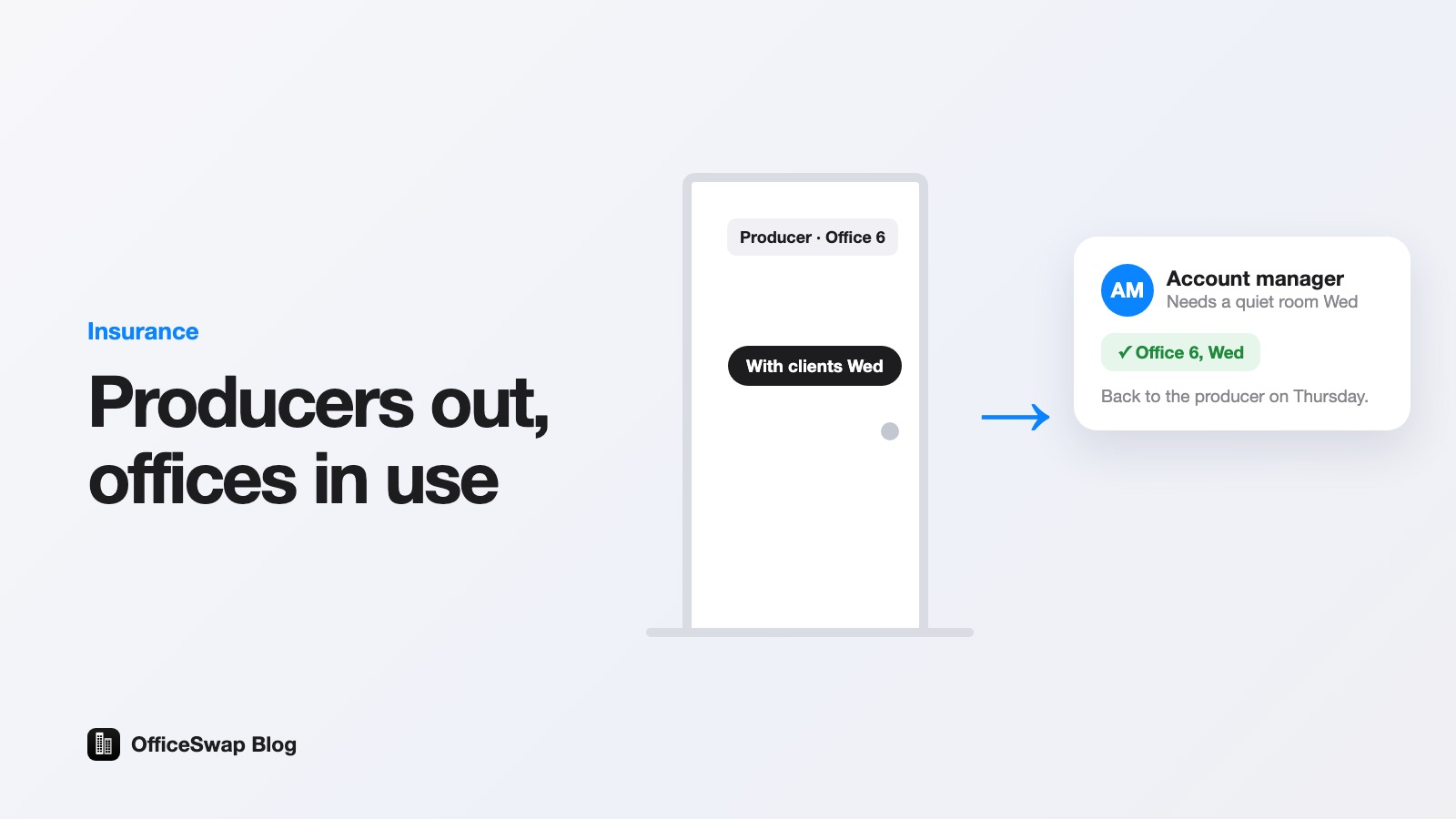
Out of season, the same setup quietly lets audit staff and juniors use partners' offices while they're out with clients, instead of the shared bullpen.
Keeping it professional
An accountant's office often has client files in it. Agree a few ground rules before you start:
- Clear the desk before your away days. Lock drawers and cabinets, and take client papers off the desk.
- Guests don't open anything that's closed, read papers or log in to the office holder's computer.
- Keep client details out of notes and messages. Use the note on an offer for practical things, like the monitor cable or the key, not client information.
- Leave the office as you found it, and say thanks.
Our etiquette guide and Community Guidelines cover the rest.
If you want to be sure everyone on the schedule really works at the firm, turn on work-email verification. People confirm an address at your firm's domain that matches their name, and get a blue badge. Admins choose what needs it: requesting offices, offering one, sending messages or changing photos. How verification works.
What firm administrators get
Office managers and operations leads get a set of admin tools, in the app and on the web at officeswap.co/app:
- Insights: desk-days shared, requests filled, empty desk-days and the busiest day for any week, with PDF and CSV export.
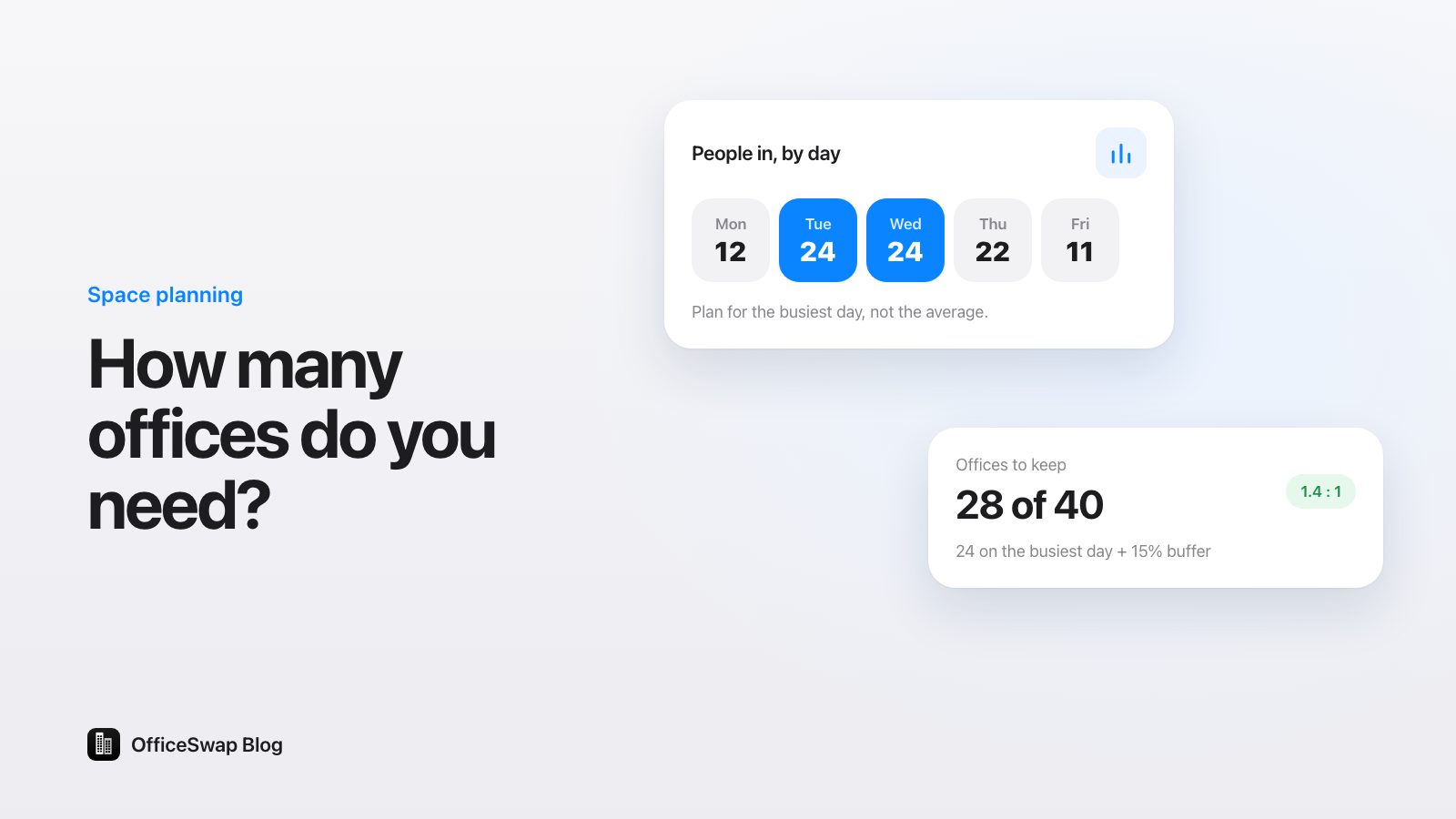
- Office health and forecast: which offices are really used over the last eight weeks, and how full next week is likely to be. Useful for deciding how many seasonal desks you'll need.
- Requests: see who's still waiting, hand someone a free office, or cancel a day on their behalf.
- View-only access: give managing partners Insights without the admin keys.
- Slack and Teams: new bookings posted to a channel, and a summary of who's in every weekday at 8 AM.
The admin guide walks through each one.
The numbers behind it
Accounting firms are good at numbers, so it's worth doing the sum. Take how many office holders you have, how many days a month each is typically out, and what an office costs you per workday. Multiply them, and you have what empty offices cost the firm each year. We walk through a full worked example in how to calculate the cost of empty offices. The calculator on our home page gives a quick estimate too.
Getting started
Set up your firm at officeswap.co/start, scan your printed staff directory to add every office in seconds, and share one access code with your colleagues. People join on iPhone, iPad or any web browser. Offices are only ever shared among people in your firm. Every plan starts with a 30-day free trial, then from $299 a month (see pricing).
Planning the launch? Our step-by-step rollout guide covers the first two weeks. Or try it first: open officeswap.co/app and enter the code DEMO.
From the OfficeSwap blog: officeswap.co/blog/office-sharing-for-accounting-firms/