 OfficeSwap
Office Sharing for Wealth Management and Financial Advisory Firms

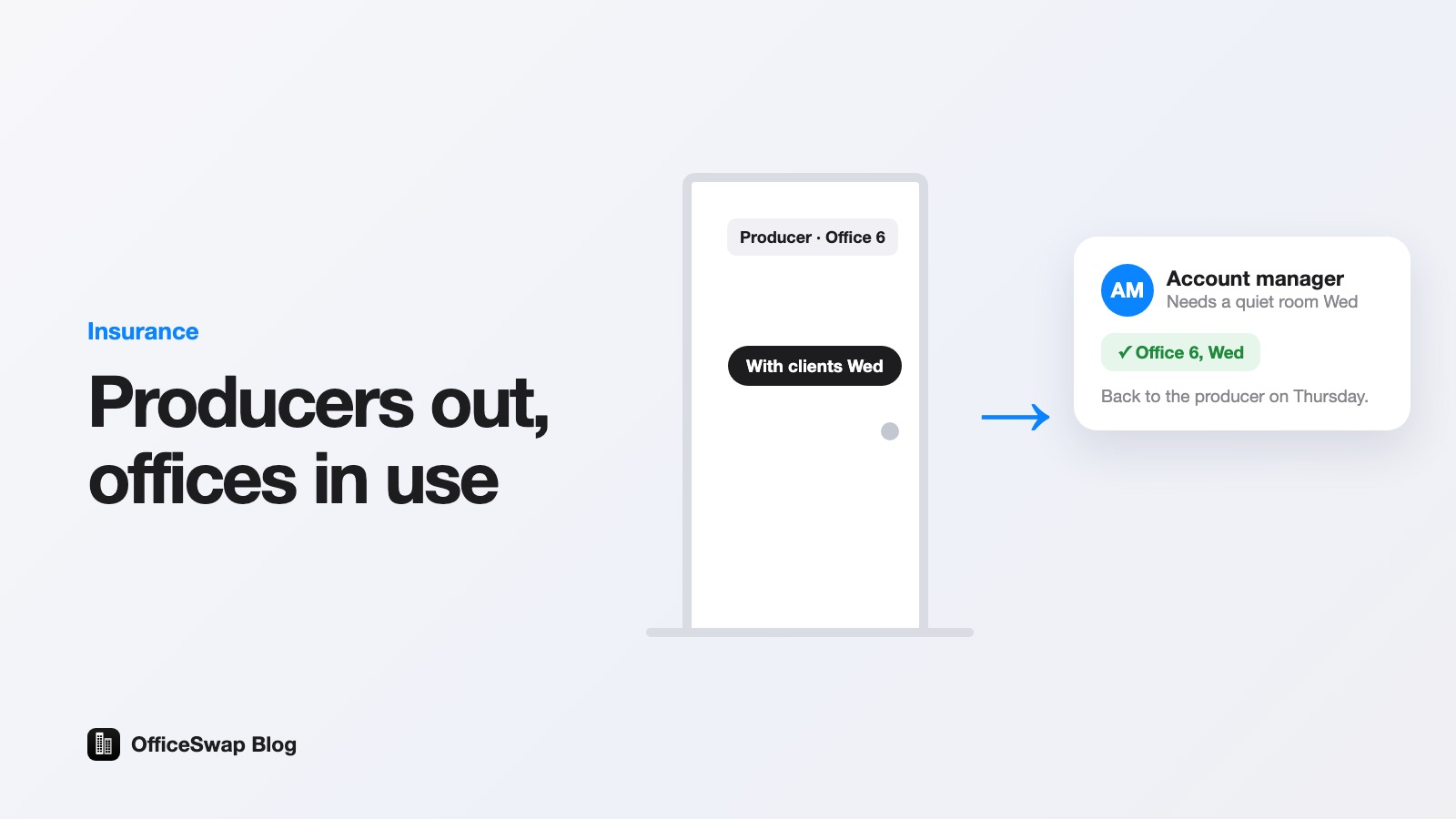
In wealth management, the private office is part of the job. Conversations about money, families, health and estates need a closed door. So advisory firms tend to have plenty of private offices, and plenty of them are empty on any given day: advisors are meeting clients at their homes or businesses, attending events, visiting other branches or traveling.
At the same time, associate advisors, paraplanners, client service staff and new advisors in training often work from shared space, and step into a stairwell or a parked car when they need to take a confidential call. Office sharing closes that gap without taking anyone's office away.
Why advisory firms are a good fit
- Privacy is non-negotiable. Client calls and meetings need a room with a door. An empty advisor's office is exactly that.
- Advisors are out a lot. Client visits, seminars, conferences and time at other branches are often scheduled well ahead.
- Growing teams. Associates and trainees join faster than offices get built, and they need a quiet place to work and learn.
- Multiple branches. Many firms have several offices, with advisors and staff moving between them.
- Client-facing space. When a client comes in, you want them in a proper office, not a corner of the open floor.
How it works
- Advisors offer their office for the days they'll be out with clients, at an event or on vacation. A few taps on their iPhone, and they keep their office every other day.
- Associates, paraplanners and visiting colleagues request one for the days they'll be in.
- Requests are matched automatically, first come, first served. If nothing's free, the request joins the waitlist and gets the next office that opens up on those days.
- Everyone sees one schedule, so the front desk knows which room to show a client to, and nobody walks into an office that's already in use.
More on the basics in what office sharing is.
Client meetings in a borrowed office
If associates will meet clients in borrowed offices, agree how that works up front:
- Book the days you need, and only those. Request the office for the day of the meeting, and cancel straight away if the meeting moves, so the room goes to someone else.
- Keep the room client-ready. Office holders, clear personal and client papers before your away days. Guests, leave it tidy for the office holder and the next client.
- Mind the details. Office holders can leave a note with their offer, like where the spare chair is or how the screen connects, and guests see it with their assignment.
The rest is in our borrowed office etiquette guide.
Confidentiality and what OfficeSwap stores
Advisory firms rightly ask what any new tool keeps. OfficeSwap stores only what your team enters to run the schedule: names, offices, office addresses, the days people request or offer, notes and messages, plus photos if you add them and a work email for anyone who verifies. It doesn't need, and shouldn't hold, client information. There are no ads and no tracking, and only people with your organization's access code can see your schedule.
A few practical rules keep it that way:
- No client names or details in notes or messages. "Meeting a client at 2" is fine; who and why belongs in your firm's own systems.
- Keep the access code inside the firm. Anyone with it can see and change the schedule.
- Consider verification. Admins can require a confirmed work email, at your firm's domain and matching the person's name, for requesting offices, offering one, messaging or changing photos. Verified people get a blue badge, so you know exactly who's borrowing an advisor's office. How verification works.
Our Privacy Policy spells out exactly what's kept. As with any tool, check it against your firm's own compliance policies before rolling it out.
Advisors on the road between branches
For firms with several branches, visiting advisors pick the location and the days they'll be there, and they're matched to an office in that building. The board's location filter shows who's in at each branch, and Messages lets them coordinate with the local team ("the key is at the front desk"). Every plan includes unlimited locations. See managing visiting colleagues across multiple offices.
Bringing on new advisors fairly
Associates and trainees benefit most from office sharing, and they're also the people most likely to feel overlooked if the best rooms always go to the same few. Keep it fair and visible: first come, first served, with booking rules if demand is high. Our guide to running a fair office rotation for associates and new hires covers this in detail.
What operations and practice managers get
Whoever runs the office unlocks the admin tools with the admin code, in the app or on the web at officeswap.co/app:
- Insights on how offices are used, with PDF and CSV export.
- Office health scores for each office, and a forecast for next week.
- Requests and people: hand out a free office, cancel a day, tidy up names.
- Booking rules, closed days and announcements.
- View-only access for managing partners who want the numbers without the admin keys.
The admin guide walks through every tool.
Getting started
Register your firm at officeswap.co/start, scan a printed staff list to add every office, and share one access code. Everyone joins free on iPhone, iPad or the web. Plans start at $299 a month after a 30-day free trial; see pricing. To see it in action first, open officeswap.co/app and enter the code DEMO.
From the OfficeSwap blog: officeswap.co/blog/office-sharing-for-financial-advisors/