 OfficeSwap
Office Space Planning Before a Lease Renewal: A Practical Checklist

A lease renewal comes around every five or ten years, and it's the one moment when changing your space is easy. Miss it, and you're locked into the same footprint, empty offices and all, until the next one. Yet many organizations arrive at renewal with little more than a headcount and a hunch.
This checklist is about getting to that conversation with real evidence: how many offices you actually use, on which days, and what you'd need if you planned around that. It isn't legal or real estate advice. For the lease itself, work with a broker and a lawyer. But the better you understand your own space, the better that conversation goes.
Start earlier than you think
Renewals often need notice well before the lease ends, and if you might move, finding and fitting out a new space takes a long time. Check your lease for notice dates now, and work back from them. As a rough rule, start gathering data at least a year ahead. That gives you several months of real usage to look at, across different seasons, before any decision is due.
1. Know what you have
- Count every workspace: private offices, open desks, focus rooms, meeting rooms. List who holds each office.
- Note what you pay: rent, service charges and running costs, so you can work out a cost per office per year and per workday.
- Map your floors. A floor plan with every office on it makes it easier to spot underused corners and wings.
If you use OfficeSwap, your office list and floor plans already hold most of this. You can add one floor plan for the whole office or one per floor.
2. Measure how the space is really used
This is the step most organizations skip, and the most important. Headcount tells you how many people you employ; it doesn't tell you how many rooms are in use on a Wednesday. Badge data tells you who came in, not which private offices sat empty.
What you want is, for every office and every workday: was it in use, by its office holder or someone else, or was it empty? Office sharing produces exactly that data as people go about their week. When office holders offer their away days and colleagues request the days they need, every office-day is accounted for.
In OfficeSwap, admins see it in Insights:
- Office health: a score out of 100 for every office, the share of the last eight weeks' workdays it was in use, whether by its office holder or a colleague. Offices are labeled well used, partly used or underused, least used first, with a suggestion for each.
- Empty desk-days: offices offered that nobody used.
- Requests filled: how often people who asked for an office got one. If this is low, you may be short of space, not long.
- Busiest day: your real peak, which is what you have to plan for.
Closed days, like holidays and building closures, don't count against anyone's numbers, so the scores reflect normal working days. Export a PDF for the leadership team and a CSV for your spreadsheet. More in Office Analytics for Admins.
3. Work out what empty space costs
Put a figure on it. Multiply the number of empty office-days a year by your cost per office per workday. We walk through a full worked example in how to calculate the cost of empty offices. The figure helps everyone see what's at stake in the renewal, and it's often larger than people expect.
4. Find your real peak
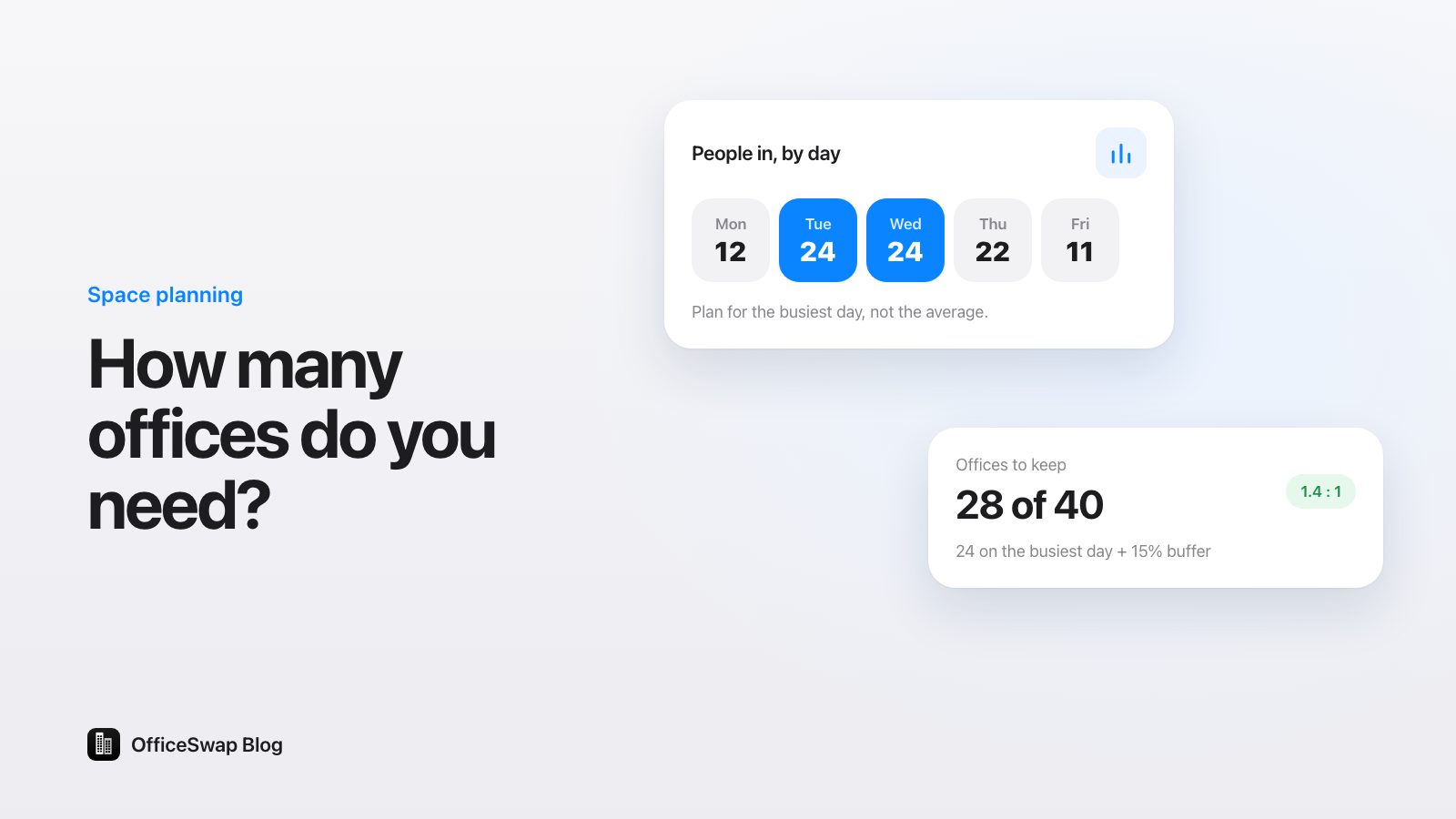
Average use is misleading. If your office is half empty on Monday and Friday but full on Tuesday through Thursday, you need enough space for Tuesday, not for the average. Look at:
- The busiest day of each week, across several months.
- Seasonal peaks, like busy season, year-end or the weeks around a big deadline.
- How many requests went unfilled on peak days.
Then ask whether the peak is a law of nature or a scheduling choice. If everyone picks the same days, spreading team days across the week can lower the peak, and with it the space you need. Our hybrid office schedule guide and return-to-office policy guide go into that.
5. Talk to people
Data tells you what happens. People tell you why. Before the renewal, ask:
- Office holders: how many days a week do you need your own office? Would you share it on days you're out?
- People without offices: how often do you struggle to find somewhere quiet? What do you need on the days you come in?
- Team leads: which days does your team need to be together? Is that changing?
- Leadership: where is headcount going in the next few years?
6. Model a few scenarios
With real use and real peaks in hand, sketch options for the renewal:
- Same space, used better. Keep your footprint, share offices on away days, and absorb growth without taking on more.
- Less space. If several offices are consistently underused and sharing covers the peak, give some back.
- Different space. Fewer private offices and more focus rooms, or the reverse. See private offices vs. open plan.
- More space. If requests go unfilled even with sharing, the data makes a clear case for growing.
For each, estimate the annual cost and how many people would be without a room on your busiest day.
7. Try the new way before you sign
The best evidence for a smaller or different footprint is that it already works. If you plan to rely on office sharing, run it for a few months before the renewal. You'll find out whether office holders really do offer their away days, whether everyone gets a room on busy days, and which offices sit empty no matter what. Our step-by-step rollout guide covers how to get started.
The checklist
- Find your lease's notice dates and work back from them.
- List every workspace, who holds it, and what it costs.
- Collect at least two to three months of real usage per office.
- Calculate the annual cost of empty office-days.
- Identify your real peak day and seasonal peaks.
- Survey office holders, people without offices and team leads.
- Model same, smaller, different and larger options.
- Pilot the way of working you plan to rely on.
- Bring the data to your broker and leadership, as a PDF and a spreadsheet.
Want to see the kind of data you'd have? Open officeswap.co/app, enter the code DEMO, and look at a sample firm's Insights. Every OfficeSwap plan starts with a 30-day free trial; see pricing.
From the OfficeSwap blog: officeswap.co/blog/office-space-planning-lease-renewal/